Docs · Guide
Get started
magpie is one place to choose the model each of your coding agents uses. Add the providers you have, then pick a model per agent; magpie writes it into that agent’s own config.
Behind it is a small gateway on your machine, at 127.0.0.1:3425. It speaks the OpenAI, Anthropic and Gemini APIs and translates between them, streaming and tool calls included, so any agent can use any provider’s models: Claude Code on a GPT model from your ChatGPT plan, Codex on DeepSeek, OpenCode on your Claude plan.
Providers
Where models come from: subscriptions you sign in to, vendors you have an API key for, and your own endpoints. Each model is named provider/model.
Agents
The tools that use them: Claude Code, Codex, Gemini CLI, OpenCode and the rest. One row each, with the model it is set to.
Gateway
The local endpoint every agent is pointed at when you pick a model through magpie. It sends each request to whoever serves that model.
Routing groups
Optional. Several models or accounts an agent picks as one, group/<id>, for when one runs out of quota.
- Add providersSign in to your subscriptions, paste API keys. Once is enough.
- Pick a model for each agentClick the agent’s model, choose one. magpie rewrites that agent’s config.
- Start a new sessionAgents read their config when they start; the next session uses the new model.
1 · Add your providers
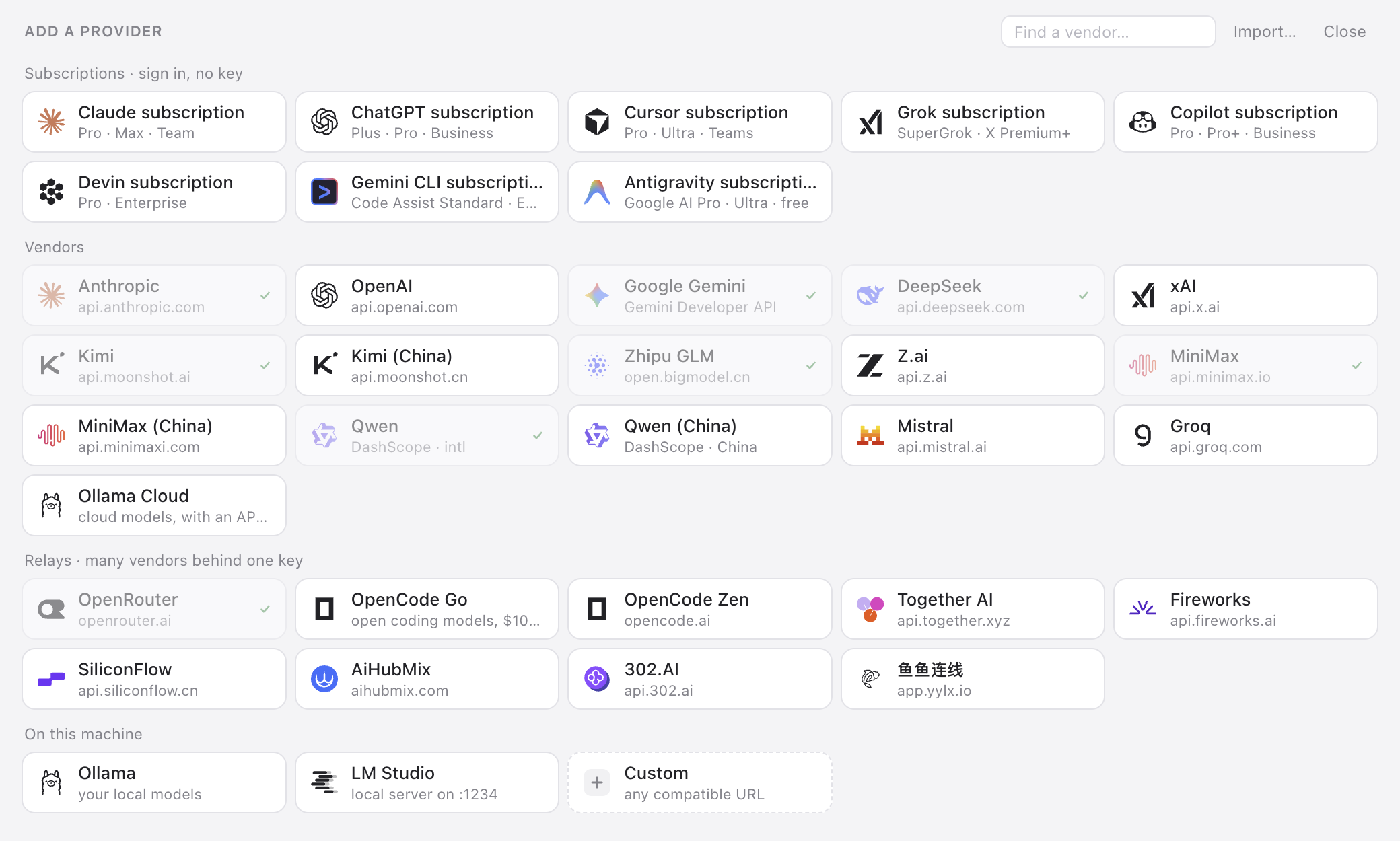
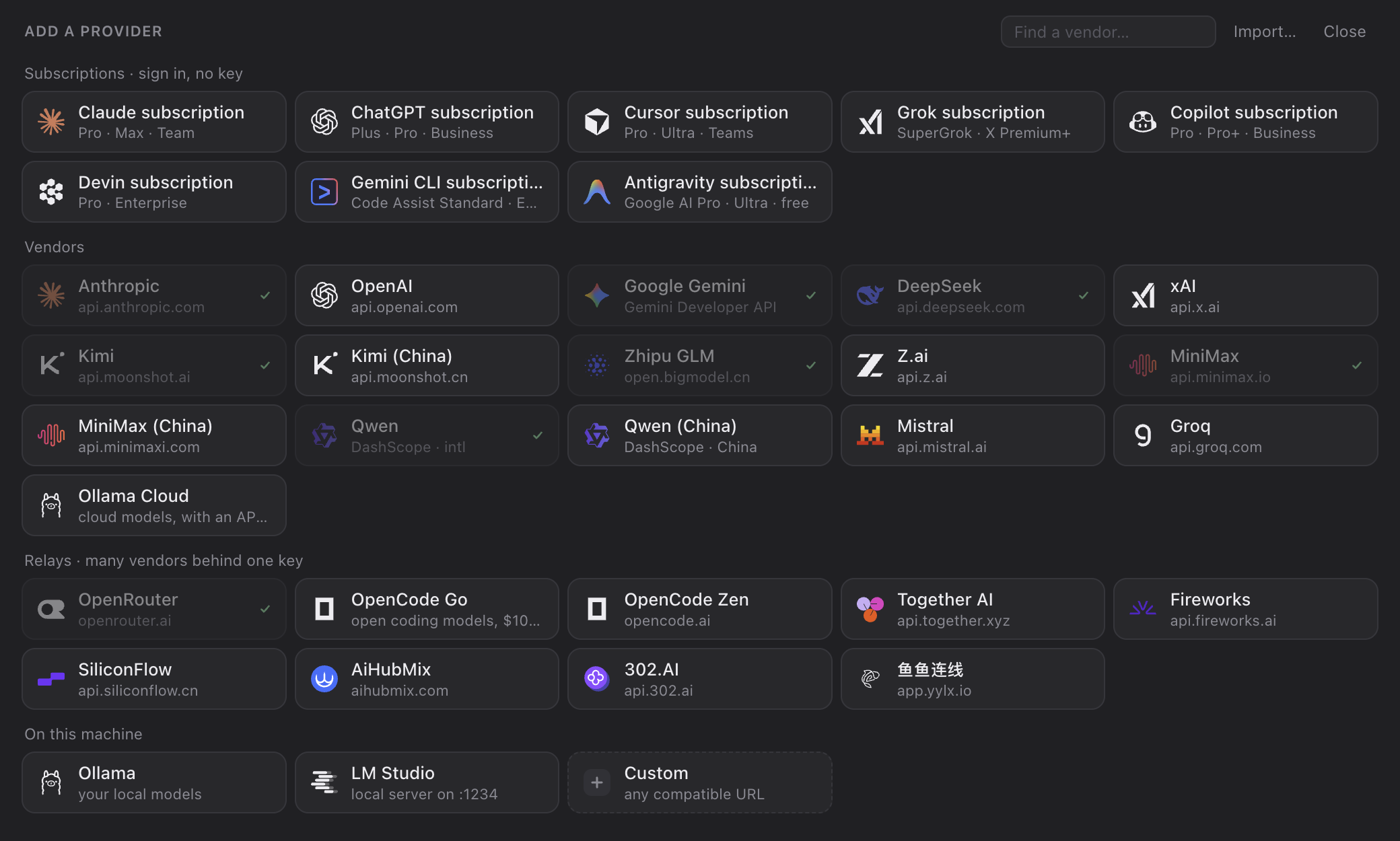
Open the Providers tab and press + Add provider. Pick a tile, or type a vendor’s name to find it.
Subscriptions · sign in, no key
Claude (Pro, Max, Team), ChatGPT (Plus, Pro, Business), Cursor, Grok (SuperGrok), Copilot and Devin. Click the tile and magpie opens the vendor’s own sign-in page in your browser; the account shows up as soon as you finish (Copilot gives you a code to enter on GitHub’s page). Subscriptions are added here, in magpie, not by logging in inside another agent.
- More than one account. Click the Claude or ChatGPT tile again to add another; each is listed under the provider, one click from being the one in use.
- Already signed in? An agent you are signed in to on this machine shows up as a provider too, signed in as ….
- Every agent can use it. A subscription’s models are
claude/…,codex/…,copilot/…in every other agent’s picker. Claude subscription requests run through the Claude Code installed on this machine, so keep it installed.
Vendors
Anthropic, OpenAI, Google Gemini, DeepSeek, Kimi, Zhipu GLM, MiniMax, Qwen, Mistral, Groq, xAI and more. Pick one, paste the key (Get a key ↗ links to the vendor’s key page), save. magpie asks the vendor which models it serves and offers those; open the provider’s row to choose which ones agents see, or Test it.
On this machine
Ollama and LM Studio. No key.
Custom · any compatible URL
For anything else: a Name, an OpenAI compatible base URL (ending in /v1), an Anthropic compatible one (the root, what ANTHROPIC_BASE_URL would take), or both, and the key. Give every API the endpoint speaks; each agent uses the one it speaks natively and magpie translates for the rest.
settings.json and Codex’s config.toml, changes nothing in them, and brings over the providers you tick.Keys live in ~/.config/magpie/providers.json, readable by you alone. magpie never reads keys from your shell environment: what you add is what it uses.
2 · Pick a model for each agent
The Agents tab has a row for each agent installed or configured on this machine. magpie knows Claude Code, Codex, Gemini CLI, OpenCode, Pi, Goose, Cursor, Copilot CLI, Crush, DeepSeek Harness, Command Code, omp, Devin, Hermes Agent and Grok Build.
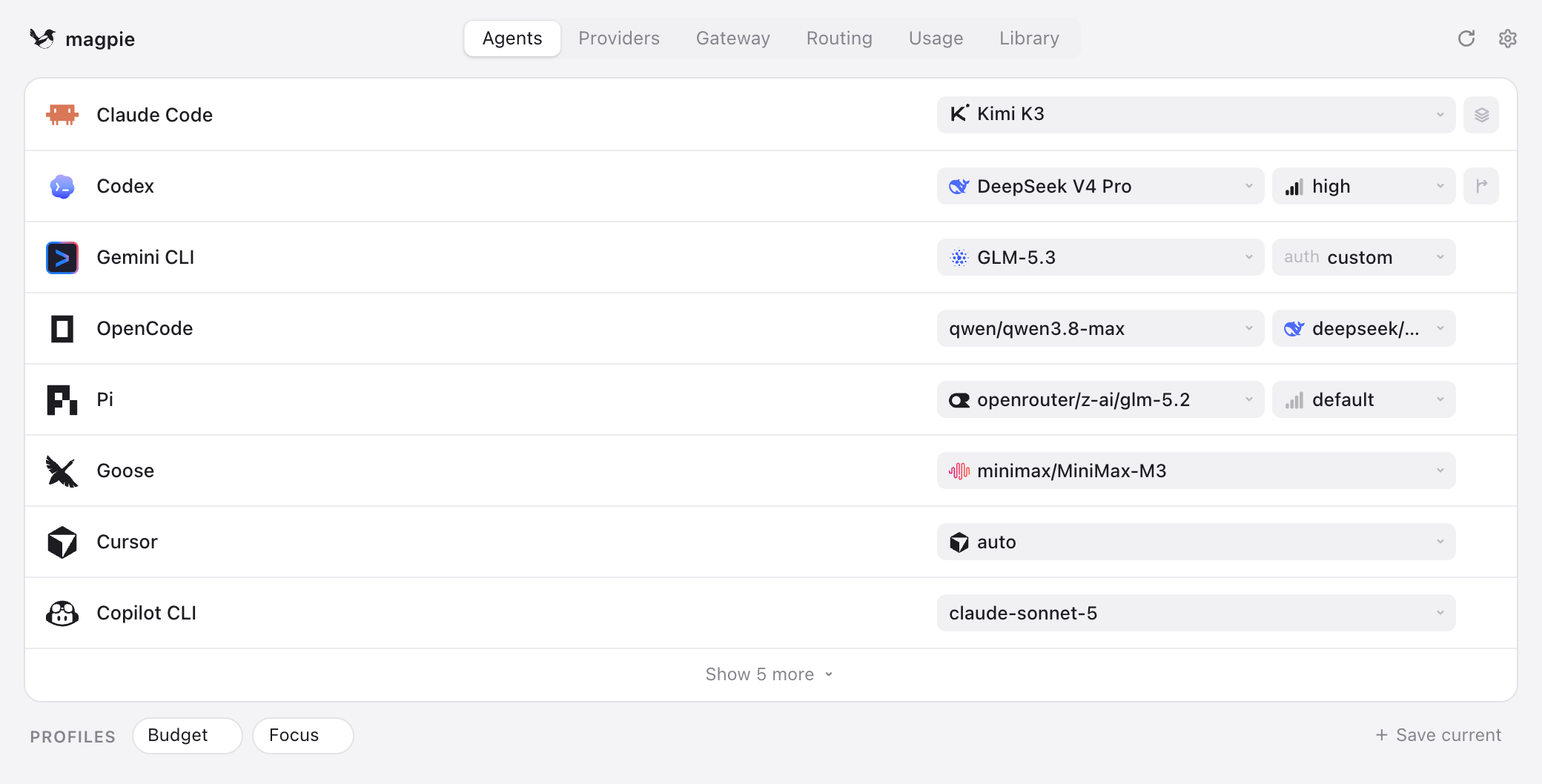
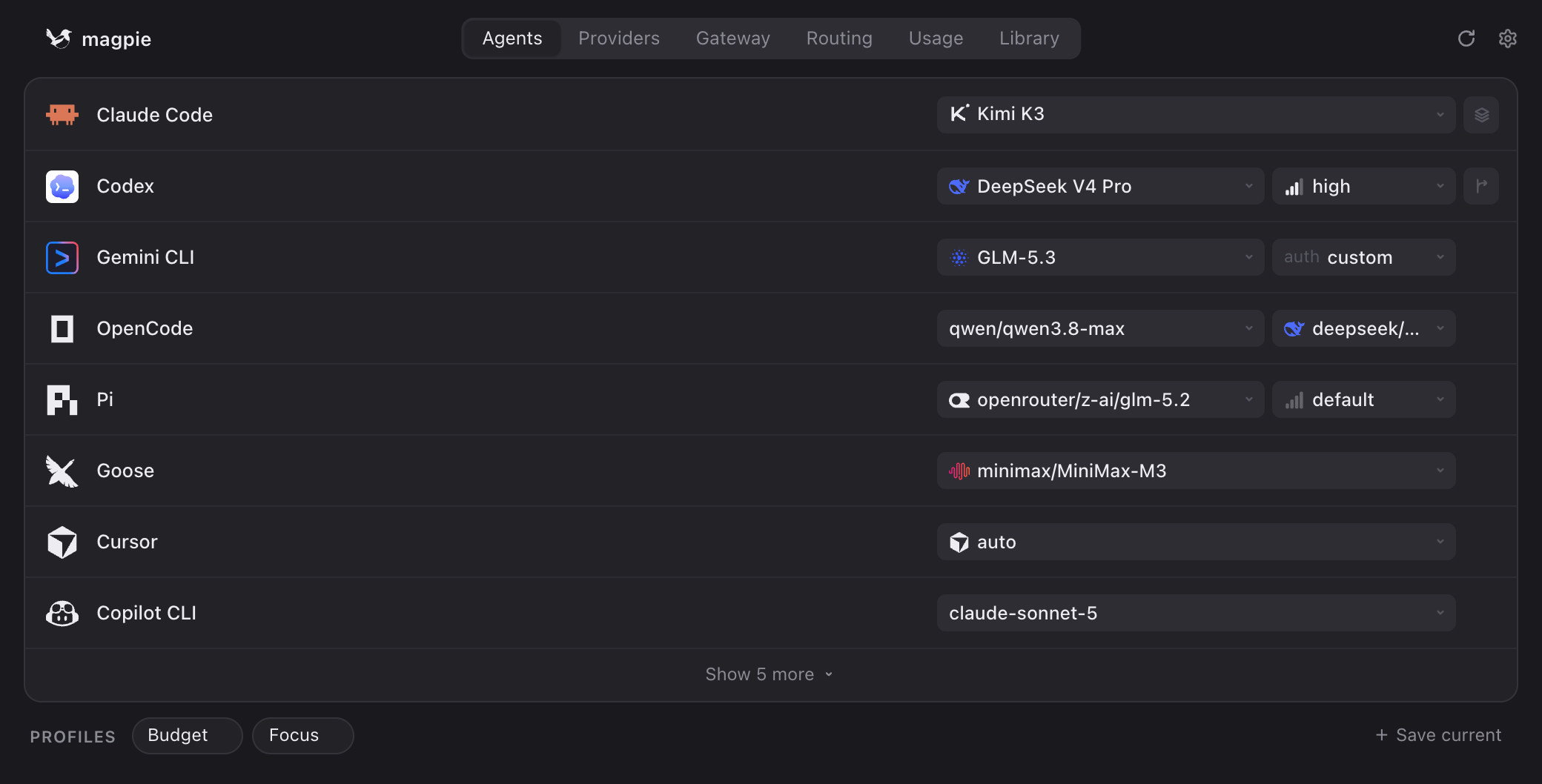
- Click the model to open the picker. Models are grouped: the agent’s own, your routing groups, then each provider you added. Type to filter, or type any model id that is not listed.
- Reasoning effort, where the agent has it (Codex’s effort, Pi’s thinking), is a slider under the list.
- Claude Code through magpie can also give its opus, sonnet and haiku tiers models of their own; by default they follow the main model.
Picking a model writes it into the agent’s own config file. Only the keys magpie needs change; comments, ordering and indentation survive, and writes are atomic.
| Agent | What a model through magpie writes |
|---|---|
| Claude Code | ~/.claude/settings.json: ANTHROPIC_BASE_URL, ANTHROPIC_AUTH_TOKEN and the model variables in its env block |
| Codex | ~/.codex/config.toml: a [model_providers.magpie] table and the model, with the list in magpie-models.json. Your ChatGPT sign-in is left alone |
| OpenCode, Pi, Crush | A magpie provider entry, and magpie/provider/model |
| Gemini CLI | GOOGLE_GEMINI_BASE_URL pointed at the gateway, API-key auth, and the model |
A running session keeps the model it started with. Agents read their config when they start, so the change applies to the next session. Codex builds its model list at start-up too: restart the Codex app and open codex sessions after a switch.
~/.claude or ~/.codex config. Set the model once in magpie and they get it too, from their next session.3 · Optional: routing groups
With one account per provider you can skip this. It matters once you have several: two ChatGPT accounts, or the same model from a subscription and from a key.
Several accounts or keys in one provider
Open the provider’s row and tick every account or key to use. Routing says how requests spread over them: Smart (the default), In order, In turn or Least used first. Fallback lists models to use instead when the provider is out of quota, rate limited or down.
One model over several providers
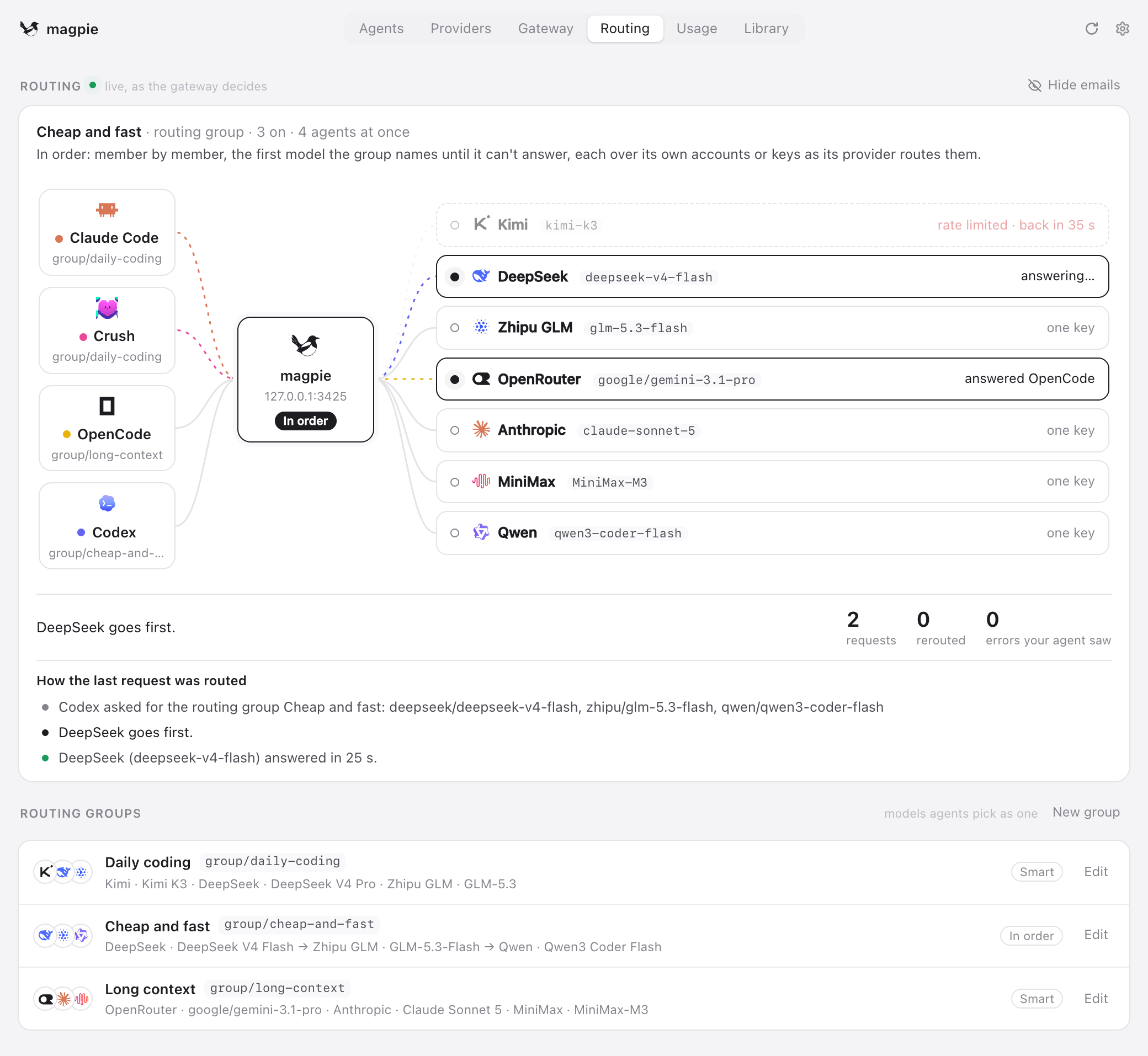
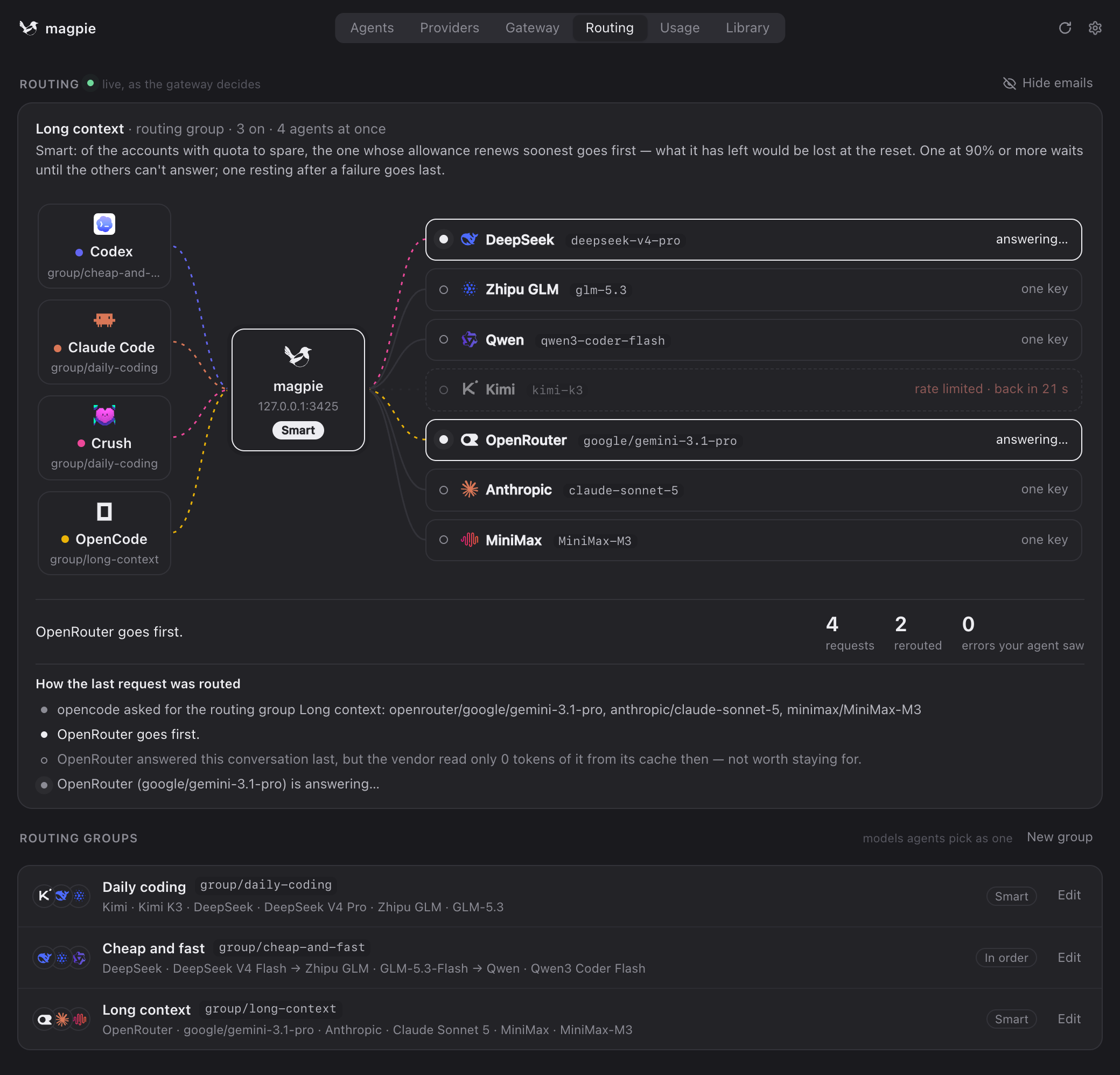
A group is several models, from one provider or many, that an agent picks as one: group/<id>, under Routing groups in the picker. A model two of your providers serve under the same name becomes a group on its own; New group in the Routing tab makes one of any models you like. The first model answers for what the group can do.
group/auto-<model>, over every provider that serves it. The name is matched however each vendor spells it (deepseek/deepseek-chat, deepseek-chat). Pick it for an agent to spread its requests over all of them; magpie group rm hides one you don’t want.| Routing | What goes first |
|---|---|
Smart smart | The default. Over every member’s accounts and keys together: of the subscriptions with quota to spare, the one whose allowance renews soonest; one resting after a failure goes last. |
In order order | The first model until it can’t answer, then the next. |
In turn rotate | Each conversation’s next turn goes to the next member’s account or key, spreading the load. |
Least used usage | The account or key with the most of its allowance left. |
| Stays | How long a conversation stays with the account or key that answered it |
|---|---|
Auto auto | The default. Within a turn always, across turns while what the vendor cached of it is worth keeping. |
Session session | The whole session, while it can answer. |
Within a turn turn | While the agent sends tool results back; when you speak again, routing decides afresh. |
Off off | Every request is routed afresh. |
The Routing tab shows the gateway’s decisions live: who answered each request, and why. The same groups from a terminal:
magpie groups                        # yours, then those magpie found
magpie group add "Opus anywhere" models=claude/claude-opus-5-5,copilot/claude-opus-5.5 routing=order stays=session
magpie group set opus-anywhere models+=openrouter/anthropic/claude-opus-5.5
magpie group rm opus-anywhere        # one magpie found is hidden; magpie group restore <id>
magpie claude group/opus-anywhere    # use it
Usage and profiles
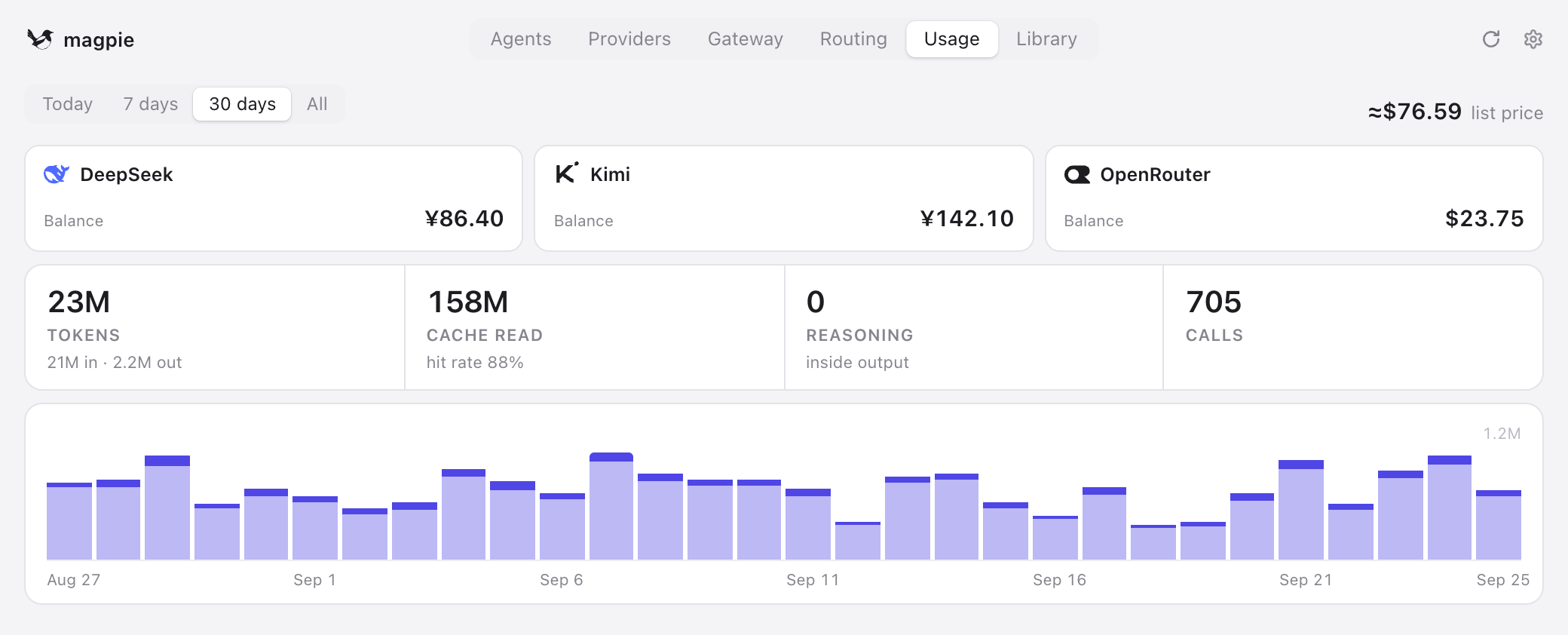
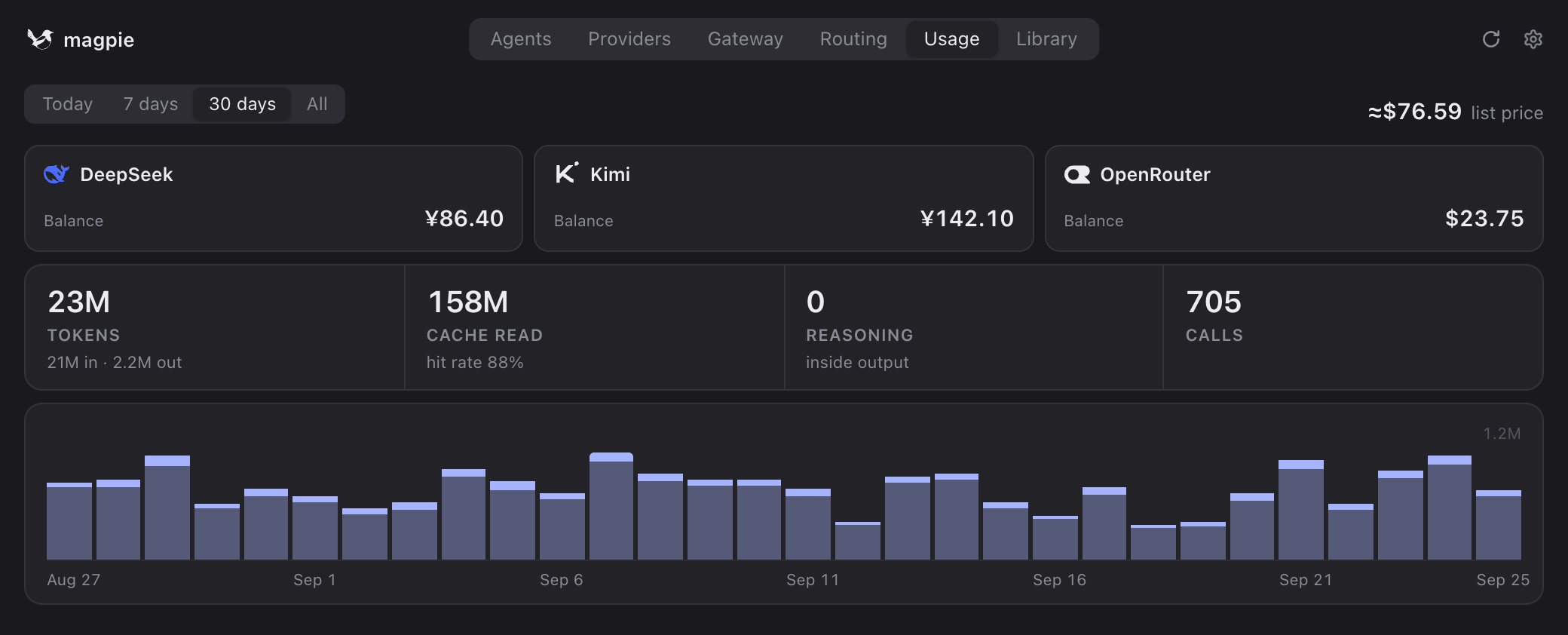
Usage. The Usage tab counts tokens, cache hits and cost for each agent and model, from every call through the gateway, for Today, 7 days, 30 days or All; your subscriptions’ allowance used, and when it resets, sits on top. Calls an agent makes to its own vendor directly don’t pass through magpie and aren’t counted.
Profiles. At the bottom of the Agents tab, + Save current snapshots every agent’s settings under a name; click the chip to switch everything back in one move.
From the terminal
magpie tui is the whole app in a terminal, and every step above has a command. magpie help lists them all.
| Command | Does |
|---|---|
magpie ls | Every agent found and its settings |
magpie presets | The vendors magpie knows |
magpie provider add deepseek sk-… | Add a preset with its key |
magpie accounts add codex | Sign in to one more Claude or ChatGPT subscription |
magpie providers | Your providers: host, key, models, who uses them |
magpie models | Every model agents can pick, as provider/model |
magpie claude codex/gpt-5.5 | Set an agent’s model |
magpie codex effort high | Set another field |
magpie codex default | Back to the agent’s own default, magpie’s wiring removed |
magpie save work · use work | Save and apply a profile |
magpie usage 7d | Tokens and cost per agent and model |
magpie tray | Start with the menu bar icon only |
FAQ
Do I need to export OPENAI_BASE_URL or ANTHROPIC_BASE_URL?
No. For the agents magpie lists, it writes the gateway’s address and token into the agent’s own config file. Those variables are only for other tools with a base-URL setting: the Gateway tab’s Connect section has them as copy buttons and snippets.
Does magpie have to be running?
For a model through magpie, yes: the gateway runs with the app. Closing the window leaves it running in the menu bar or tray; magpie tray starts the icon alone (put it in your login items), and magpie serve runs just the gateway. An agent on its own model and its own sign-in doesn’t go through magpie.
How do I put an agent back the way it was?
Pick one of the agent’s own models in the picker, or run magpie <agent> default. magpie removes what it wrote and restores the values it replaced, such as an ANTHROPIC_BASE_URL you had before.
I switched models, but my agent still uses the old one.
A running session keeps what it started with. Start a new one; for Codex, restart the Codex app too.
Does editing the agent’s config by hand break anything?
No. magpie reads the files each time and touches only the keys it sets, so your other settings and comments stay. Providers brought over with Import… are copies: later changes in the agent’s settings aren’t copied again.
Stuck, or have a setup worth sharing? Ask on Discord. Vendors who want to hand their users a ready-made provider: see Add to magpie.